
Scripts & Plugins
A personal collection of After Effects and Illustrator scripts I’ve developed for studio and classroom use, shared freely with the motion and graphic design community. Download any tool, use it however you like, and feel free to reach out with questions or requests.
After Effects
After Effects 2022+
RAK-LookAtNull3D
Creates a 3D null that selected layers will always face, driven by a live orientation expression. Move the null and every linked layer instantly rotates to track it, ideal for 3D scenes where layers need to face a fixed target.
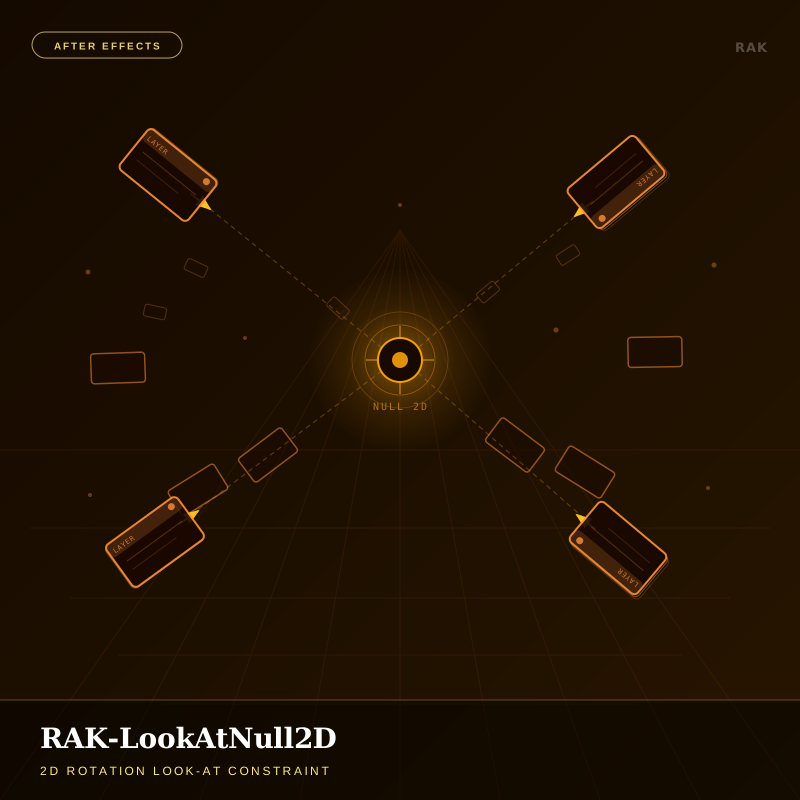
RAK-LookAtNull2D
Applies a live Z-rotation expression so 2D layers always face a target null. Choose which edge points at the null and whether it tracks clockwise or counter-clockwise, ideal for pointers, compass dials and gauges.
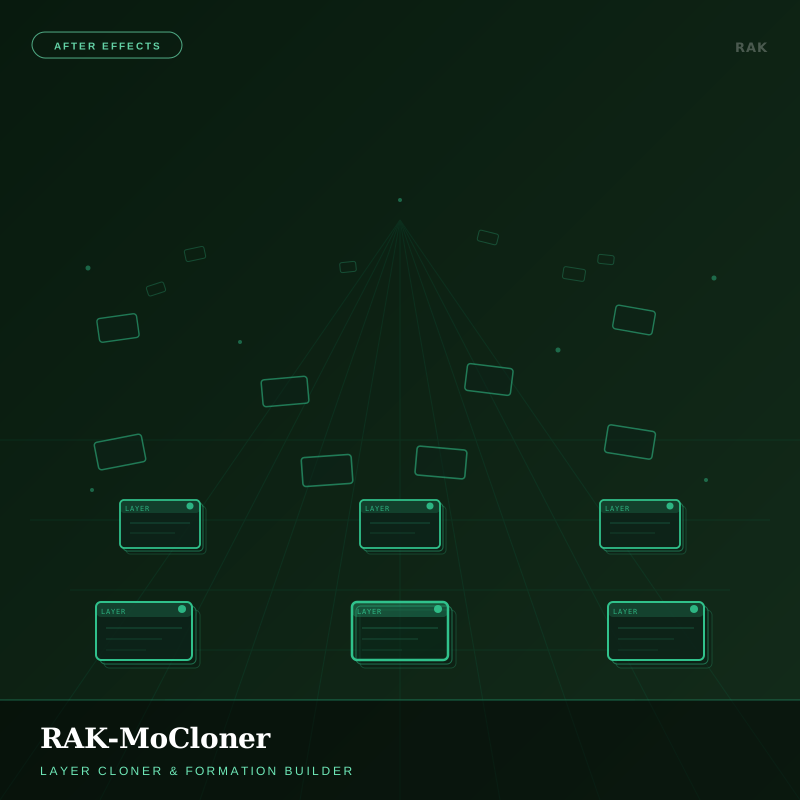
RAK-MoCloner
Clones any layer into grid, circle or line formations in one click. Control count, spacing, rotation variance and scale/opacity falloff, and stagger each clone’s timing with a single offset value.
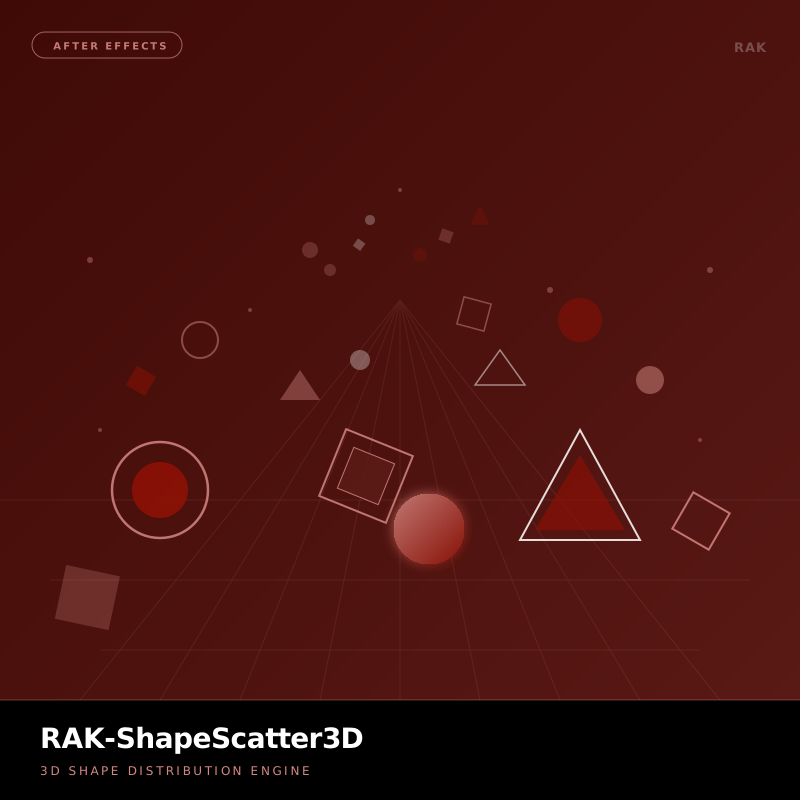
RAK-ShapeScatter3D
Distributes shape layers across 3D space using procedural scatter logic. Control density, depth range, rotation variance and scale distribution to build particle-like environments without third-party plugins.
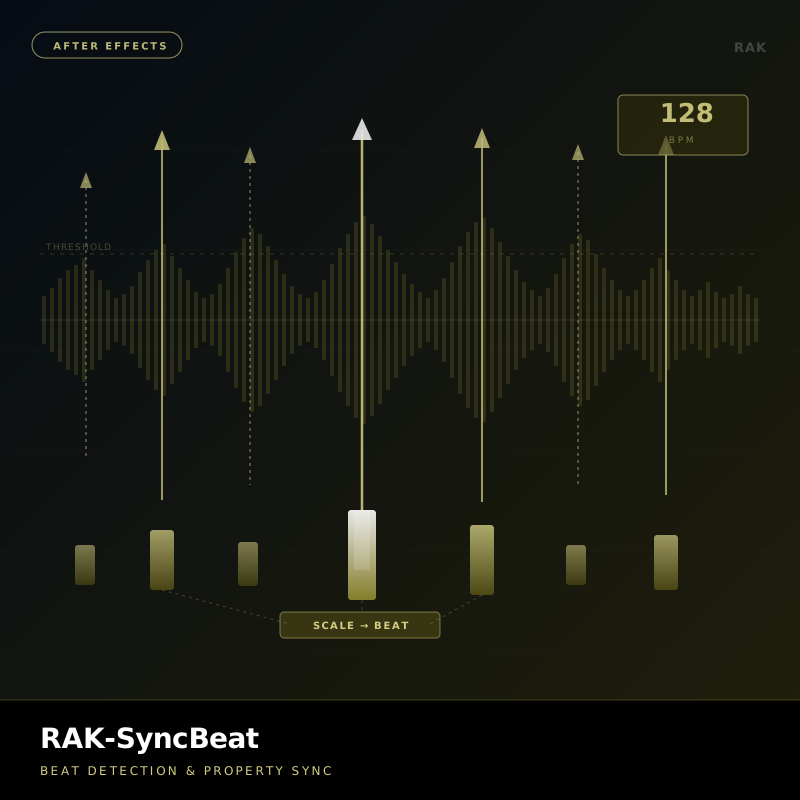
RAK-AudioReactive
Links audio amplitude to any layer property in real time, with frequency-band isolation, attack/release smoothing and multi-layer mapping. Built for music visualizers, reactive typography and sound-driven motion.
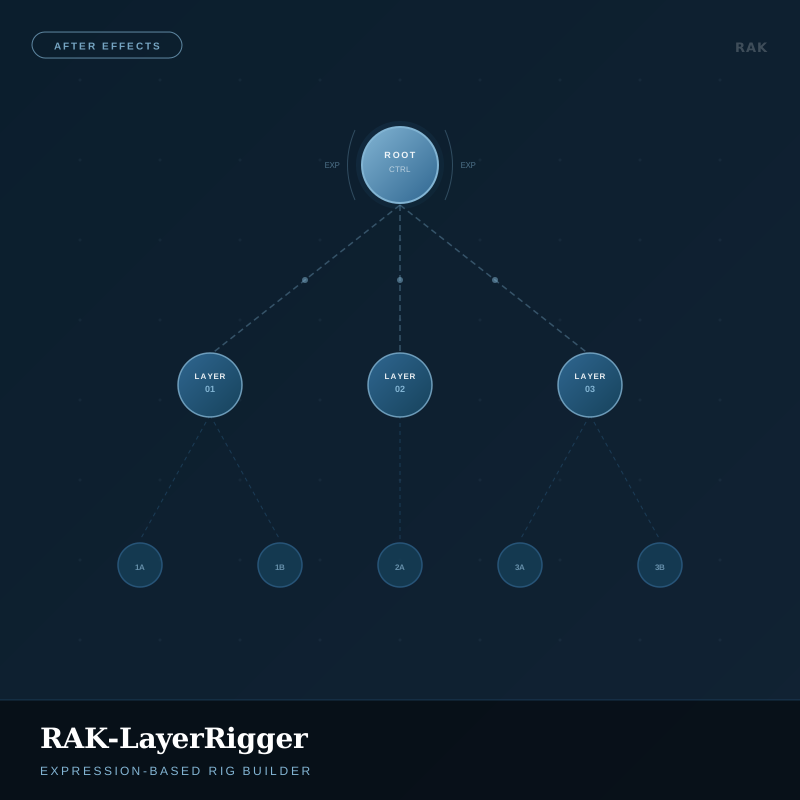
RAK-LayerRigger
Automates parent–child rigging between layers in one click, building expression-based control rigs for character animation, UI prototyping and modular motion systems.
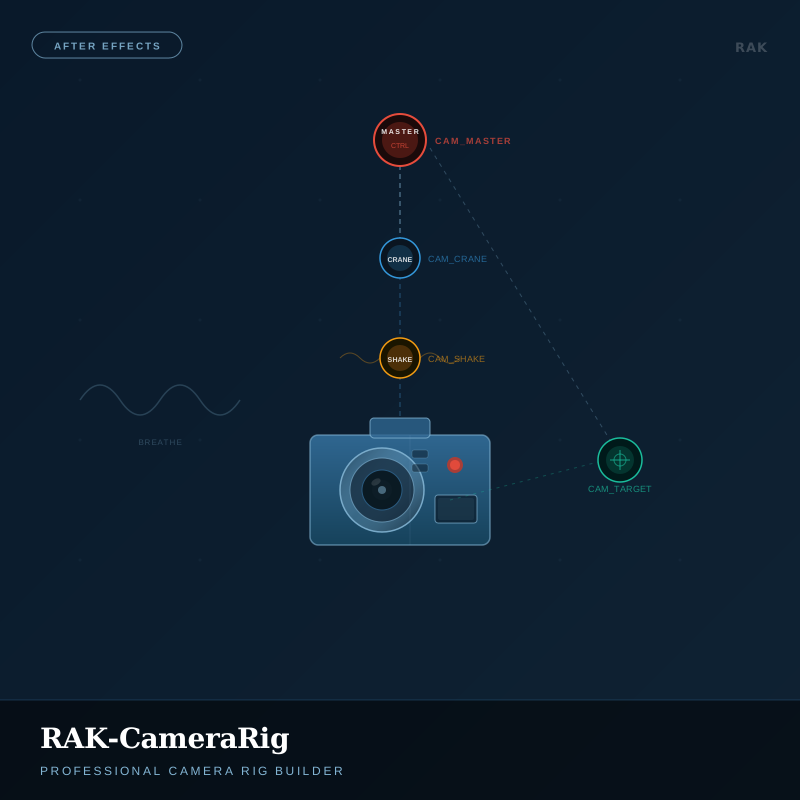
RAK-CameraRig
Builds a full camera rig in one click: master controller, crane arm, shake null and aim target. Dial in handheld wobble, cinematic breathing and focal length from a single panel.
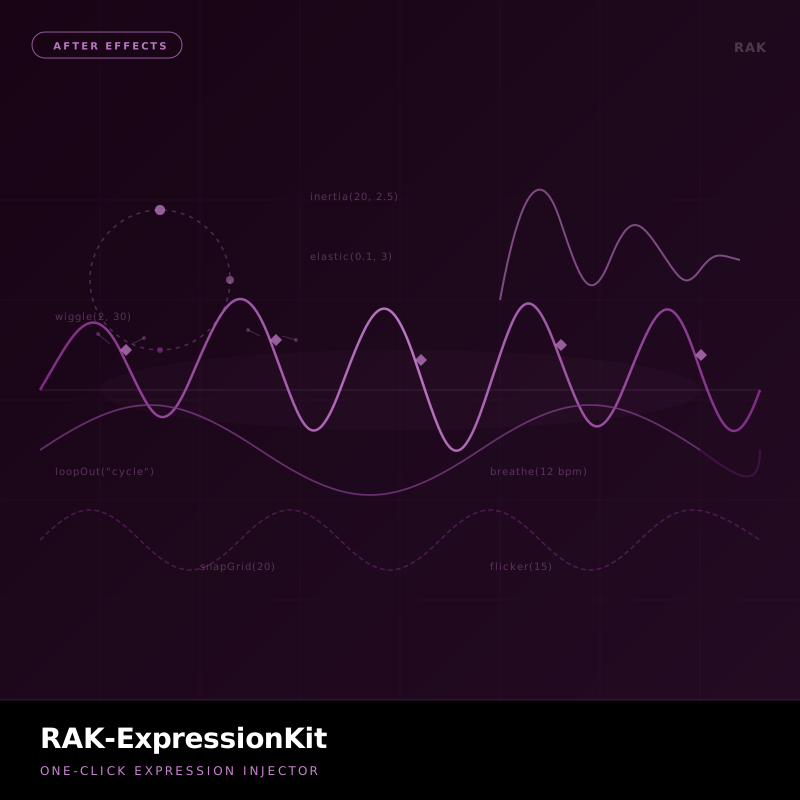
RAK-ExpressionKit
A one-click expression injector with ten ready-made expressions: wiggle, inertia, elastic, loop, flicker, orbit, pulse, typewriter, breathe and snap grid. Pick, adjust, apply, no typing.
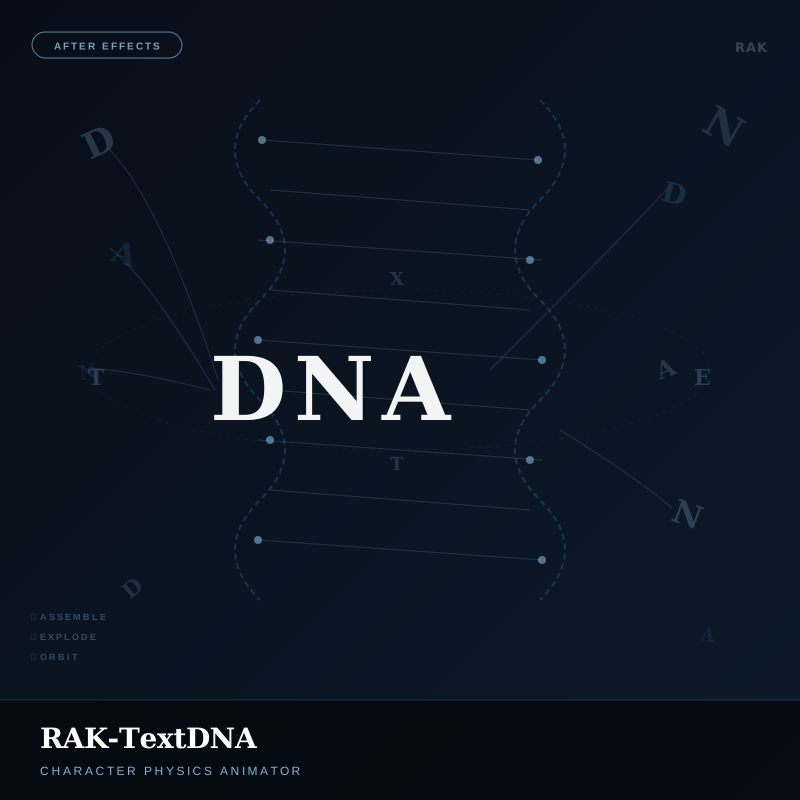
RAK-TextDNA
Animates text by treating each character as a physics object. Three modes (Assemble, Explode, Orbit) with control over gravity, bounce, scatter radius and per-character stagger.
Illustrator
Illustrator CC 2019+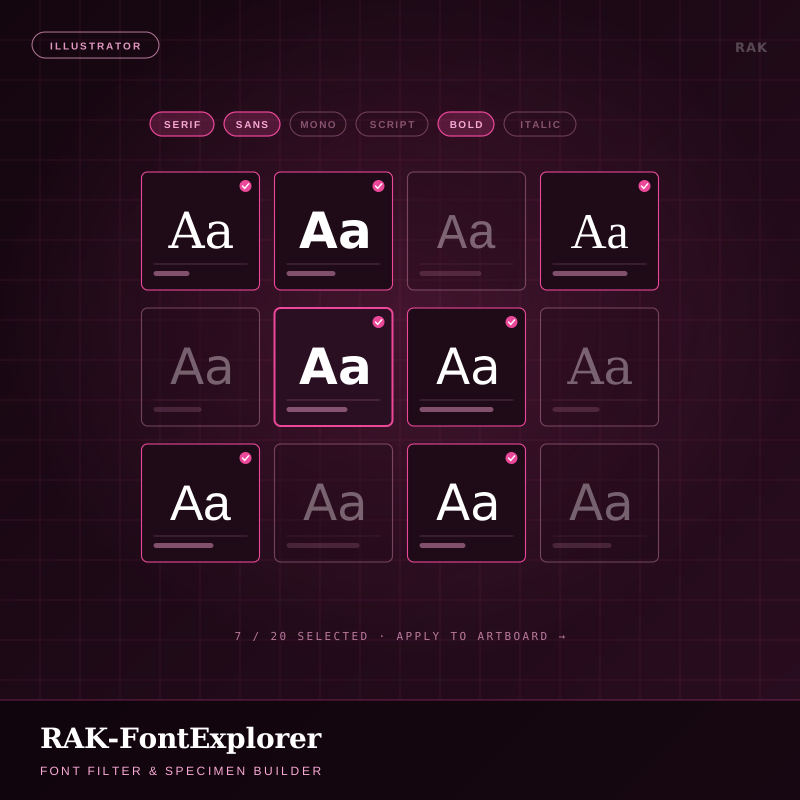
RAK-FontExplorer
An Adobe Fonts–style filter panel for brand exploration. Type a name, filter installed and activated fonts by classification, weight, width and posture, pick up to 20 (or let it auto-pick), and it lays out one copy per font on its own layer.
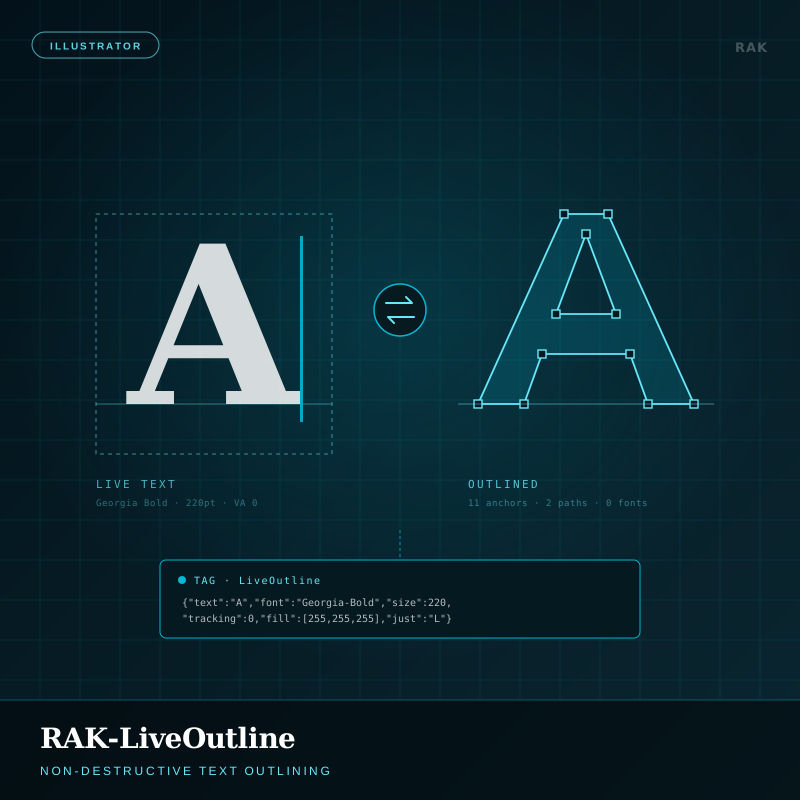
RAK-LiveOutline
Non-destructive text outlining. Outline type for handoff while the group keeps a record of contents, fonts, sizes, tracking, colours and paragraph settings, then Restore rebuilds editable text. One file, both states; Report flags anything orphaned.
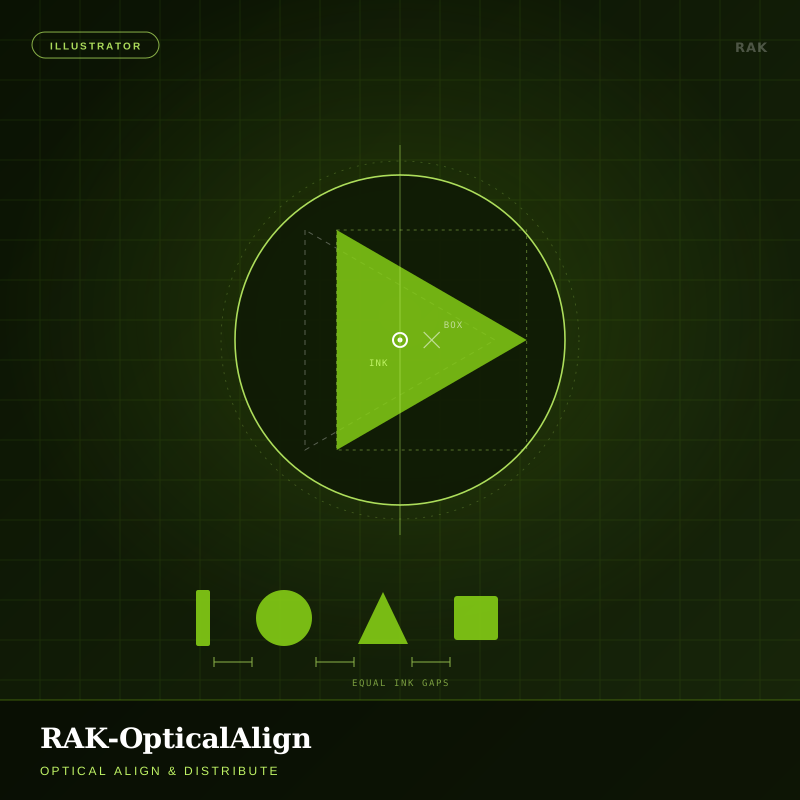
RAK-OpticalAlign
Align and distribute by ink, not by bounding box. Computes where artwork visually balances (area centroids for fills (holes included), length-weighted centroids for strokes, and measured outlines for text) so a triangle in a circle finally looks centred.
Installation
Unzip firstPanels (with UI)
- Place the
.jsxfile in yourScriptUI Panelsfolder:
macOS:~/Library/Application Support/Adobe/After Effects <version>/Scripts/ScriptUI Panels/
Windows:%AppData%\Adobe\After Effects <version>\Scripts\ScriptUI Panels\ - Restart After Effects.
- Open it from Window → [Tool name] and dock it anywhere.
Scripts (no UI)
- Place the
.jsxfile in theScriptsfolder, one level aboveScriptUI Panels. - Run it from File → Scripts → [Script name], or browse to it with File → Scripts → Run Script File…
Scripts
- Run once via File → Scripts → Other Script… and pick the
.jsx. - To keep it in the menu, copy it to
Illustrator/Presets/<language>/Scripts/and restart Illustrator.