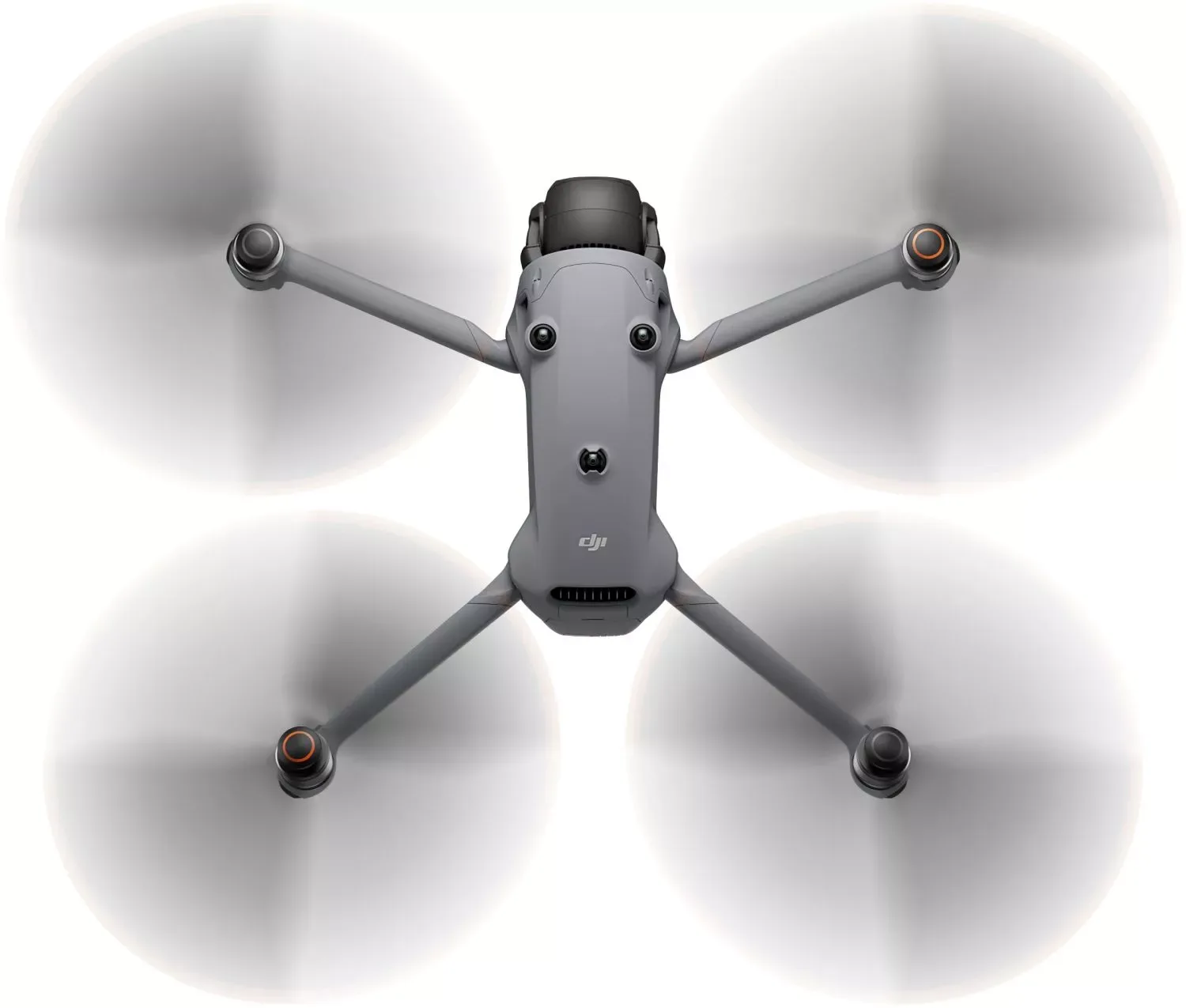
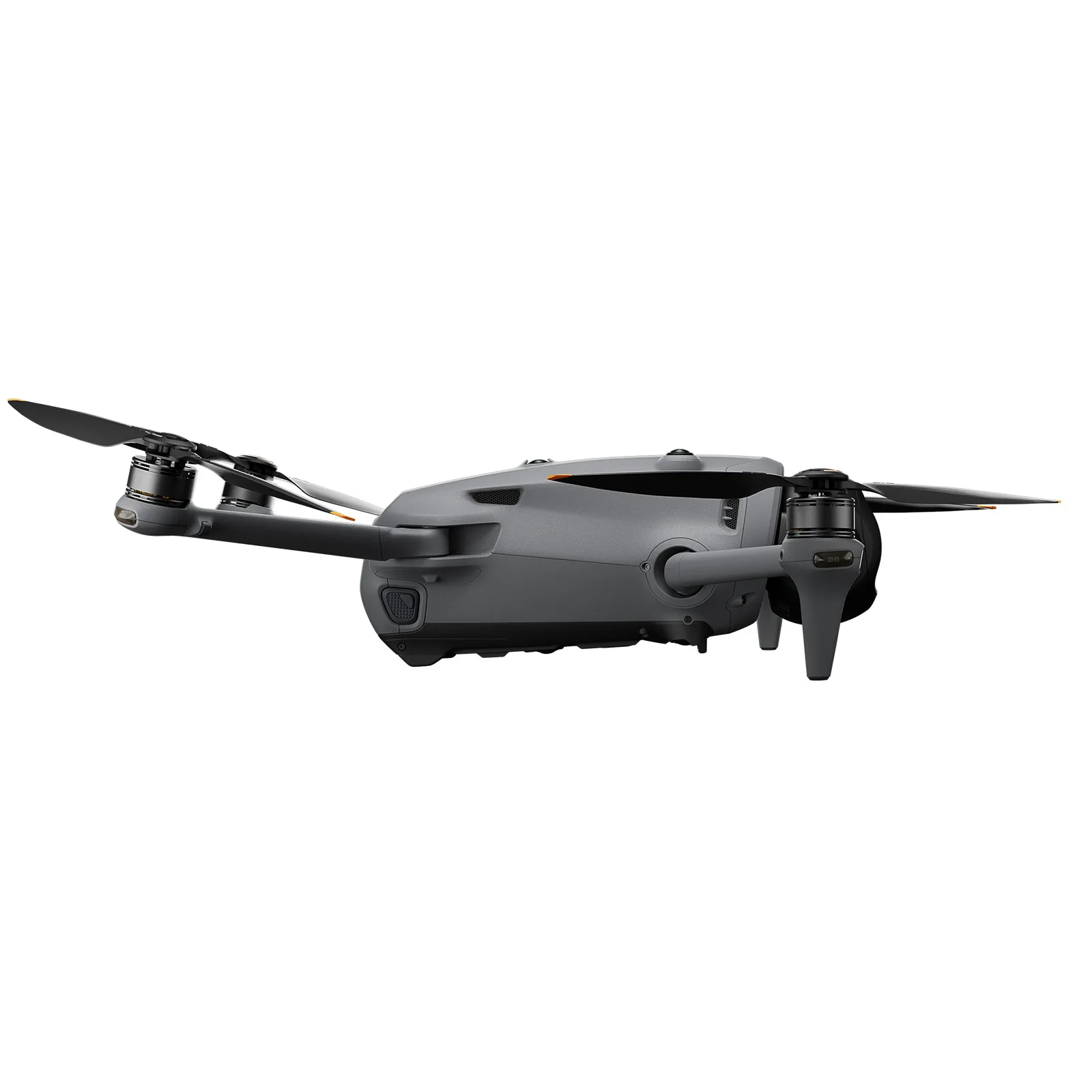
A quadcopter has no wings and no rudder. Everything it does comes from changing the speed of four motors.
The four forces
A drone stays in the air for the same reason you feel a push from a desk fan: each spinning propeller throws air downward, and the air pushes back up. That upward push is thrust, and on a multirotor it is also the lift that holds it up. Pulling the other way is weight, the gravity acting on the aircraft, its battery and anything it carries.
When thrust exactly equals weight, the drone hovers. Add more thrust and it climbs; take some away and it sinks. Tilt the whole aircraft and part of the thrust now points sideways, which is how a quadcopter flies forward without any wings.
Moving through the air creates drag, which grows roughly with the square of speed: double the speed and drag roughly quadruples. The fourth force is torque, the twist every spinning propeller puts on the frame. The next card shows how drones turn that problem into a steering tool.
Why the propellers spin in opposite directions
Spin a propeller one way and, by Newton’s third law, the motor twists the drone the other way. With four propellers all spinning the same direction, the aircraft would pirouette out of control. So a quadcopter pairs them: the two on one diagonal spin clockwise and the two on the other diagonal spin counter-clockwise, and their torques cancel.
That balance is also the steering wheel. To yaw right, the flight controller speeds up the counter-clockwise pair and slows the clockwise pair by the same amount. Total thrust stays the same, so the height holds, but the leftover torque rotates the drone. This is why a drone can turn on the spot with no rudder at all.
Every command you give, whether climb, pitch, roll or yaw, is translated into four separate motor speeds. That translation is called motor mixing, and you can try it in the next card.
Try it: the motor mixer
Move the sliders and watch each motor respond on the model. A real flight controller does this mixing hundreds of times per second.
Front left
Front right
Rear left
Rear right
RPM values are illustrative, not DJI figures.
How long can it fly?
Hover power rises faster than weight (roughly with weight to the power 1.5), and wind makes the drone work continuously to hold its position. Try adding payload and wind.
min
A simplified physics estimate based on DJI’s rated 51-minute flight time and 1063 g take-off weight, not a DJI rating.
How a drone knows where it is
To stay level, a drone needs to know its attitude hundreds of times per second. The IMU provides it: gyroscopes measure how fast the aircraft is rotating and accelerometers sense acceleration, including which way gravity pulls.
Position comes from satellites. The Mavic 4 Pro’s GNSS receiver uses GPS, Galileo and BeiDou together. A barometer estimates height from air pressure, and the compass tells the aircraft which way it is facing. Close to the ground, vision positioning cameras and a downward infrared sensor hold position to within centimetres.
The flight controller fuses all of these into one best estimate. If satellite signals are lost, the drone can no longer hold its position on its own and will drift with the wind. This is why pilots wait for a strong GNSS lock and a recorded home point before take-off.
Module 2
Inside the Mavic 4 Pro
Tap the orange points on the model to explore each part.
Exploded view
Pull the aircraft apart to see how it is built.
Specifications
Source: DJI official specifications, retrieved
Three cameras, three fields of view
Each frame shows how much of the same scene one camera captures from the same spot.
Frames are calculated from the equivalent focal lengths; real lenses also differ in perspective and depth of field.
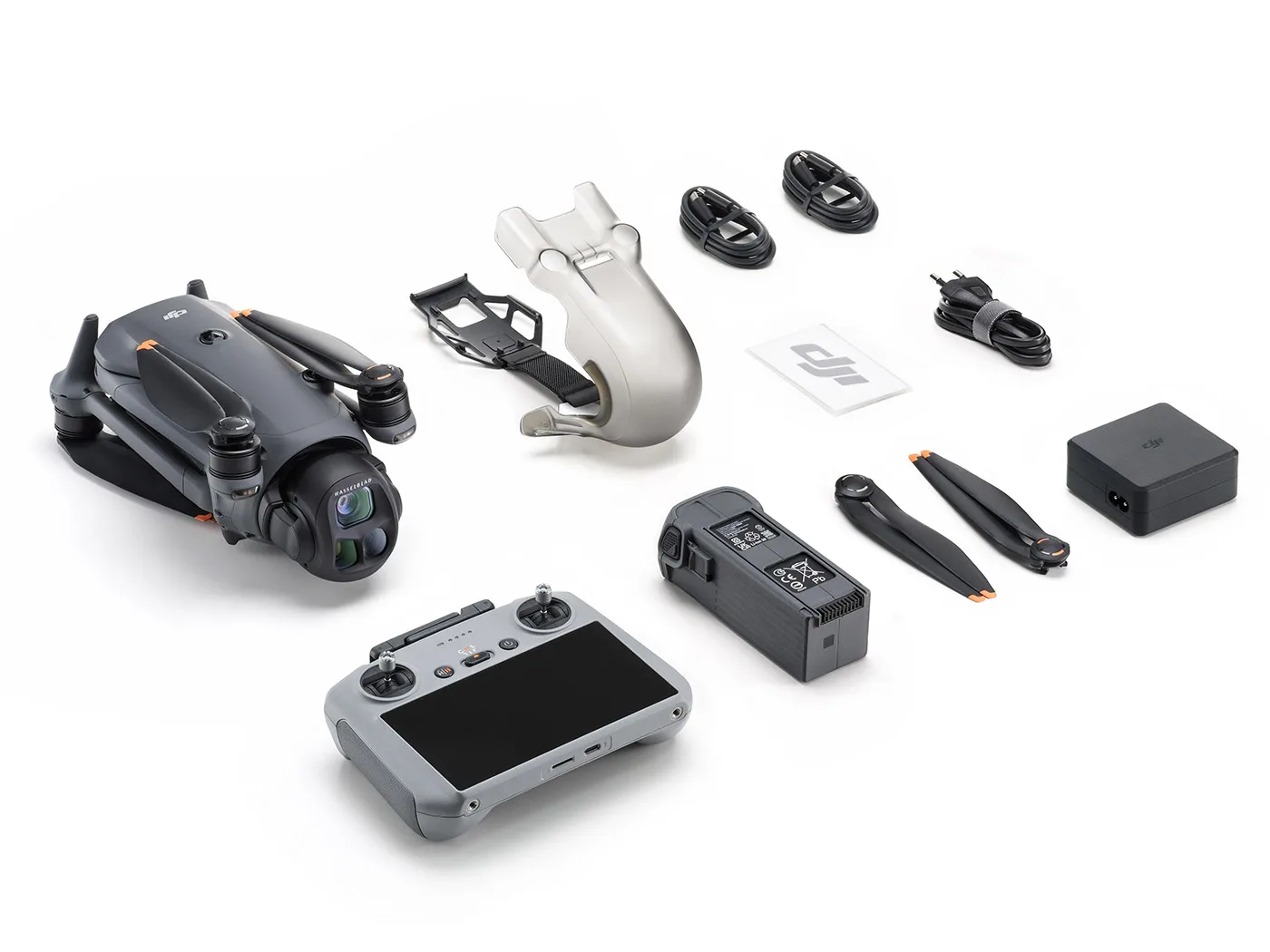
What is in the box
Gallery
Module 3
Pilot school
Learn the sticks, the checklist and the shots that professionals use.
Fly it: Mode 2 sticks
The left stick climbs and turns. The right stick flies forward, back and sideways.
Left stick: climb and turn
Right stick: move
Keyboard: W/S climb, A/D turn, arrow keys move.
The flight trainer needs WebGL, which this browser has turned off.
Flight modes
Cine softens every stick input and caps speed and turn rate, so pans and reveals look smooth enough to use in a film. Normal is the everyday mode, with full obstacle sensing and a sensible top speed. Sport unlocks the Mavic 4 Pro’s maximum of 25 m/s (90 km/h) for chasing fast subjects or fighting wind.
DJI rates the obstacle sensing as effective only up to 18 m/s. In Sport mode the drone can outrun its own sensors, so never rely on it to brake for you. Ascent and descent are limited to 6 m/s in Cine and Normal, and 10 m/s in Sport.
Pre-flight checklist
Cinematic moves
Pick a move to watch it flown on the model.
Camera settings for smooth video
Every exposure balances three controls, the exposure triangle: aperture (how wide the lens opens), shutter speed (how long each frame collects light) and ISO (how much the signal is amplified). Most drones have a fixed aperture. The Mavic 4 Pro’s main camera adjusts from f/2.0 to f/11, while its two tele cameras are fixed at f/2.8.
For video, shutter speed also controls motion blur. The 180° shutter rule sets it to about 1/(2 × frame rate), for example 1/50 s at 25 fps. Too fast a shutter makes motion look jittery; too slow smears it.
On a bright day in Kuwait, 1/50 s would badly overexpose even at the lowest ISO. An ND filter is sunglasses for the lens: it cuts light by a fixed number of stops so you can keep the 180° shutter. Use the calculator below to pick one.
Target shutter: · Suggested ND:
Normal gives finished-looking colour straight from the camera. HLG (Hybrid Log Gamma) is an HDR format that looks right on modern HDR screens without editing. D-Log M and D-Log are flat, low-contrast profiles that keep the most highlight and shadow detail for grading later.
HLG, D-Log M and D-Log always record in 10-bit, with 1024 shades per colour channel instead of 256. That extra dynamic range and colour depth is what lets you push a sunset grade without banding. Choose Normal when you need to deliver fast, and D-Log M when the footage will be edited.
Module 4
Rules & safety
Every country regulates drones. Know the rules before you fly.
This is educational content, not legal advice. Always check the current rules with the aviation authority.
Rules that apply almost everywhere
Keep the drone within your visual line of sight.
Stay below the legal height limit.
Do not fly over crowds or uninvolved people.
Keep away from airports and helipads.
Respect privacy: do not film people without consent.
Avoid government, military and security sites.
Do not fly in strong wind, rain, fog or heat beyond the aircraft's limits.
Give way to crewed aircraft, always.
Flying in Kuwait
On 13 September 2026 Kuwait published Decree-Law No. 89 of 2026 in the official gazette Kuwait Al-Youm (issue 1808). It regulates drones, light sport aircraft and air sports, and it covers recreational flyers as well as professionals. Every aircraft must be registered with the civil aviation authority and hold an airworthiness certificate. Anyone flying one needs an operating licence and a pilot licence. Most importantly, no drone may be used before the Ministry of Interior approves it.
The law bans flying between sunset and sunrise without a special permit. It also bans flying within airport zones or over prohibited and restricted areas, and it requires visual line of sight. Photographing people, private property or public facilities is not allowed until the conditions in the executive regulations are met. This matters greatly around government, oil and military sites. Penalties range up to three years in prison and fines of KD 3,000–5,000, and they double if a violation causes an accident.
The executive regulations, due by 31 December 2026, will set details such as altitude limits and licensing requirements. Existing owners have one year to comply. Until the regulations are published, contact the DGCA before any flight, and especially before commercial work.